
Staying Safe Online when interacting with Others
At the end of this module, you can
- Understand online communication platforms, their features, and the risks of interacting with strangers, such as catfishing and scams.
- Recognise red flags in digital interactions, apply privacy controls, and know how to report suspicious behaviour.
- Understand online grooming dynamics, digital boundaries, and safety-by-design principles.
- Maintain personal boundaries by communicating clearly, disengaging when uncomfortable, and using block or report functions.
- Prioritise safety by avoiding the sharing of personal content with unfamiliar contacts and keeping evidence of concerning messages.
- Encourage a culture of respectful and safe online communication, encouraging peers to do the same while being responsible for their own digital safety.
Understanding Digital Communication
Introduction
Digital communication refers to the use of electronic devices and technologies to communicate information and messages. It has become a dominant form of communication in both personal and professional settings.
- Instant Messaging: apps like WhatsApp, Messenger, and Snapchat are awesome for real-time chats with your friends, family, or even group projects with classmates. They let you share memes, photos, and files in a snap, making it super easy to stay connected and collaborate.
- Social Media: platforms like TikTok, Instagram, and Twitter are not just for scrolling and sharing selfies; they’re also great for businesses looking to reach a younger audience. Companies use these platforms to promote their products in fun and creative ways, tapping into trends and engaging with customers like never before.
- Email: it might seem a bit old-school, but email is still widely used in the workplace and for school. It’s essential for communicating with teachers, getting info from your job, or signing up for events. Plus, it helps keep everything organised!
- Video Conferencing: platforms such as Zoom, Google Meet, and Microsoft Teams have become lifelines for connecting with friends and classmates during virtual hangouts or online classes. Whether you’re studying together or just catching up, these platforms help you see each other face-to-face, no matter where you are in the world.
Risks of Online Interactions
Individuals engaged in online fraud often focus their efforts on the platforms where young people are most active – such as gaming environments, messaging apps, and social media channels like TikTok and Instagram.
Here are some common online scams you might encounter, along with explanations of how they work.
Phishing scams impersonate trusted platforms, like Roblox or TikTok, typically via messages from supposed friends. Victims enter their credentials through a fraudulent link, risking account hijacking. In some cases, phishing seeks to steal confidential information, including bank details and passwords.
Impersonation and Social Engineering: impostors create fake profiles mimicking friends, influencers, or even teachers. These scams rely heavily on emotional manipulation, gaining trust before introducing a malicious link or request.
Money Mule Recruitment: criminal networks recruit teens as money mules to handle stolen funds in exchange for money or gifts. Many don’t realise this illegal activity can lead to a criminal record and financial issues, often recruited via social media ads.
Romance Scams and Catfishing: these scams involve online scammers creating fake profiles to build trust with victims on dating sites and social media. They often request money or personal content, shifting from friendly to exploitative relations.
Red Flags
Look out for these red flags to spot the scammers:
- You feel like you are pressured to act immediately
- The offer feels “too good to be true”
- The message creates fear, urgency, or excitement
- You are asked to switch to another platform quickly
- The person insists on secrecy or avoiding adult involvement
Stop, Think, Check
- You should think carefully about online offers and messages.
- Don’t click on suspicious links or download unknown files.
- Keep your personal info safe.
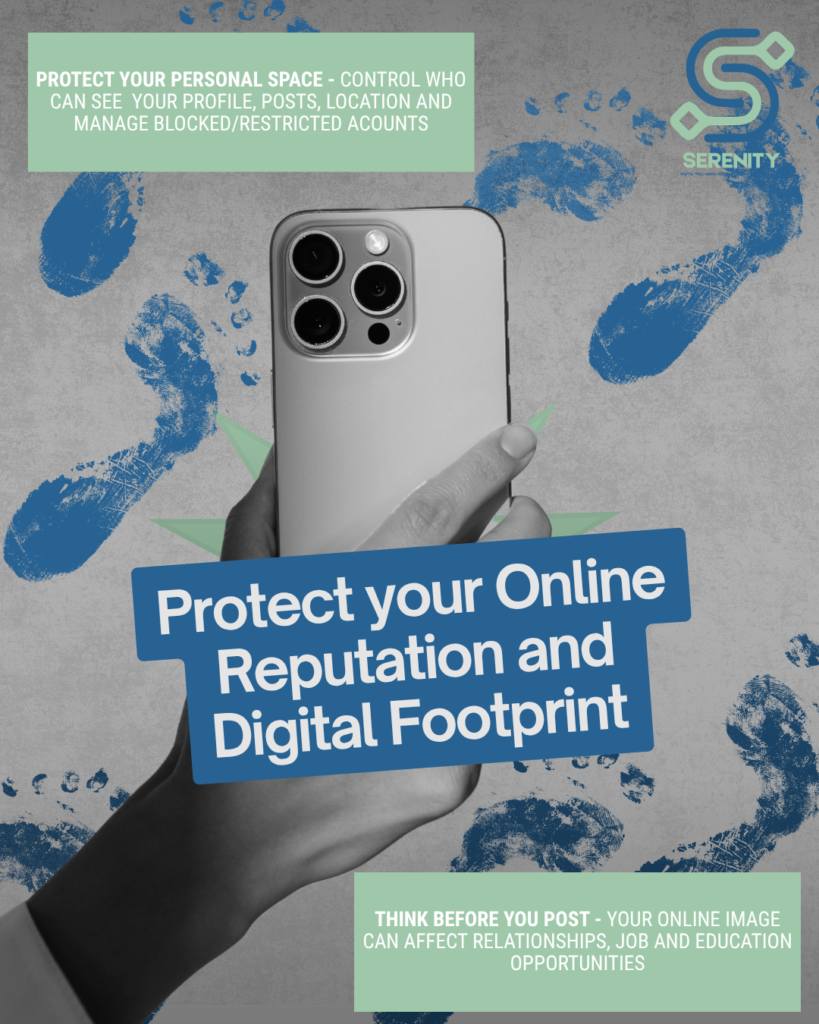
- Understand your privacy settings and digital footprint.
- If something feels off, talk to an adult you can trust.
How do you take control?
- Tell an adult you trust about what is going on.
- Block abusers and bullies.
- Save the offensive posts – these are your evidence! They are not invisible or anonymous online; they have an IP address, which can be tracked and traced by the police if illegal acts are performed.
- Report them using the site’s Report Button.
Grooming – what is it, how to spot?
Grooming is when someone builds a relationship with a child or young person so they can manipulate, exploit and abuse them.
- Groomers can do things that are hard to spot, like pretending to be younger than they are, giving advice and positive attention, being kind and understanding, or buying gifts.
- Individuals who are being groomed may become very secretive, receive unexplained gifts like new clothes or gadgets, exhibit sexualised behaviour, and use language or demonstrate an understanding of sex that is inappropriate for their age.
If you think you or someone you know might be the victim of grooming, it’s important to remember that you’re not alone, and help and support are available.
- Seek out a trusted adult such as a parent, carer, family member or teacher and talk to them about what’s going on.
- Remember that it’s not your fault.
- Take screenshots of any evidence of the grooming, such as screenshots of conversations or messages.
- Stop the communication, but don’t delete the account as it might be needed for evidence.
- Do not confront the alleged groomer.
- Report everything to the correct authorities (An Garda Síochana in Ireland)
With all the online dangers out there, who is responsible for your safety?
- Service provider responsibility – to ensure user safety by proactively assessing and addressing potential online harms through structured policies, guidelines, and reporting mechanisms. They should implement measures such as risk assessments, community guidelines, and security considerations to minimise risks and promote a safe online environment.
- User empowerment and dignity are crucial in product design, requiring engagement with diverse groups. Platforms should implement strong privacy measures, clear violation protocols, risk mitigation features, and support functions, ensuring thorough evaluations before release.
- Transparency and accountability are crucial for user safety, as companies should share their safety policies and data on effectiveness. Engaging users and stakeholders while continually updating guidelines and innovating safety technologies promotes trust and improves safety outcomes.
Tools and Strategies

Self-care Practices: Set & Review your Boundaries
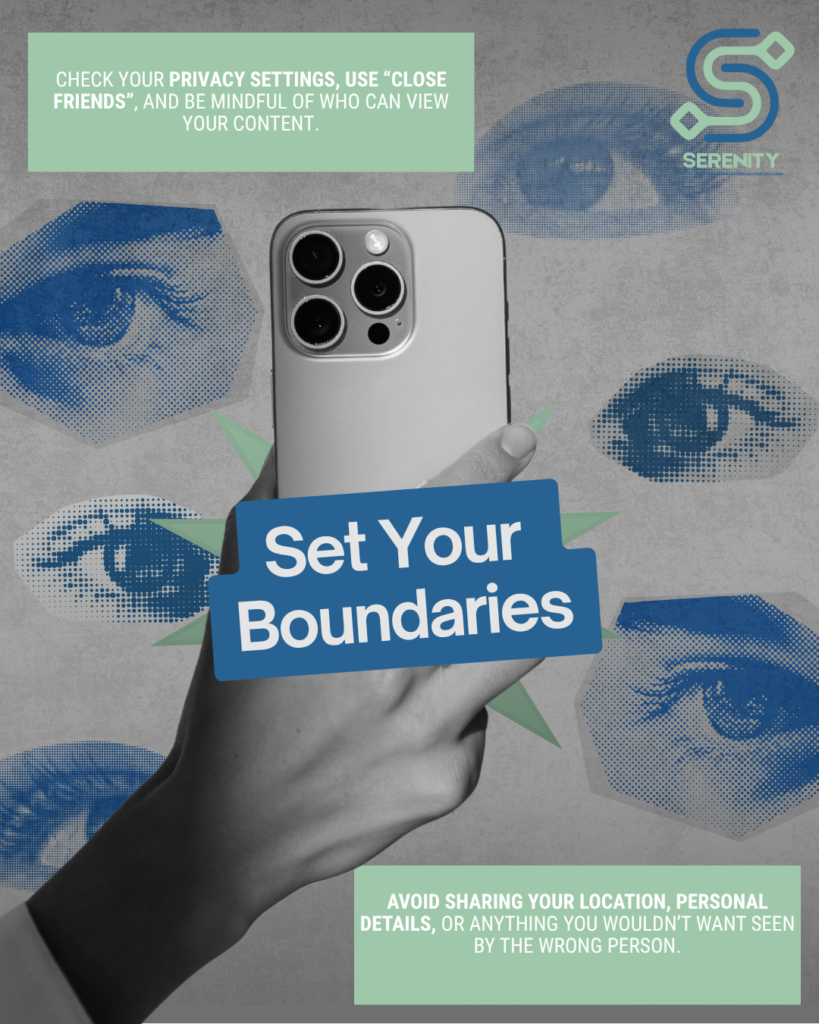
Review your online and offline boundaries regularly and don’t hesitate to make changes where necessary.
- Know your values – consider what is most important to you, such as family and friends. Establish clear boundaries to safeguard these priorities.
- Know your limits – reflect on your relationships. Decide what behaviours you will accept and what you won’t tolerate. This will help you set effective boundaries.
- Be assertive – clearly communicate your boundaries. Remember, your needs and feelings are important too
- Plan your response – decide how you will react if someone breaks a boundary. For example, disengage from a chat if someone’s tone becomes aggressive.
- Practice – changing your habits takes time. Be patient with yourself as you learn to respond differently; it will be worth it.
Example video about setting boundaries
Self-care Practices: Keep Yourself Safe

Apply privacy and security settings across communication platforms. ⬇
Create strong passwords – use unique and strong passwords for each account. Make them at least 12 characters long with symbols and avoid common words and patterns.
Enable multi-factor authentication (MFA) – it adds extra security beyond your password. Even if your password is stolen, MFA helps keep your accounts safe.
Update your software regularly – this fixes security flaws that hackers can exploit. Enable automatic updates and check for updates periodically to maintain security.
Recognise and report phishing attempts – watch out for phishing scams, as they are becoming more convincing. Use email filters and be careful with emails/links asking for sensitive info.
Are your passwords keeping your accounts safe?
- Review your existing passwords, keeping in mind that a strong password:
- Is 8 characters or longer
- Has uppercase and lowercase letters
- Has at least one number
- Has at least one symbol
- Does not contain names of people or places, or contain direct words from a dictionary
- Check if your password is a secure one on this link.
- Or use a password generator to create safe passwords.
- Remember to change your passwords regularly and keep them safe in a password manager.
Approaches and Tools
As you learnt earlier, it is also the service provider’s responsibility to keep the users safe on social media platforms.
Below are some examples of how the common social media platforms are doing just that!
Example and how to use
Meta, the owner of Instagram, WhatsApp, Facebook and Messenger, has a Safety Centre where you can discover expert-backed safety resources and tools across their technologies.
Snapchat, a popular mobile messaging and social media app where users share photos, videos, and text messages, known as “Snaps,” with friends. Find the Safety Centre on this link.
TikTok, a social media platform for creating, sharing and discovering short videos. Learn more about the Safety on TikTok through this link.
YouTube, a free platform for uploading, sharing, and watching videos on diverse topics. Access YouTube’s Creator Safety Centre on this link and access the Account Privacy Settings here.
TikTok Safety Features for users
Feature | What It Does / Why It Matters |
Account Privacy | If your account is private, only approved followers see your content; public accounts are viewable by everyone. |
Comments / Direct Messages | Decide who can comment on your videos (everyone/friends/no one), or who can DM you. |
Duet & Stitch Permissions | Prevents people from reusing your content in ways you don’t like or didn’t expect. |
Video Downloads / Removing Original Sounds | Disable others from downloading your videos; remove the original audio so people can’t reuse it. Helps reduce misuse. |
Keyword / Content Filters | Block or filter certain words/topics from appearing in your for you/following feeds, or filter comments. |
Restricted Mode | Limits exposure to “mature or complex themes” – helps if you want less risk of seeing content you’re uncomfortable with. |
Creator Care Mode | Filters out inappropriate or profane comments, comments that have been previously reported, disliked, etc. Gives creators more peace of mind. |
Security Measures | Includes linking & verifying your phone number/email, two-step verification (2FA), passkeys, checking trusted devices, seeing recent login activity. These help protect your account from being hacked or misused. |
Make TikTok Safer For You
Let’s say you have recently joined TikTok and are trying to make your account as safe as possible.
How to Access / Use These Features:
- Open the TikTok app & go to Profile → Menu (☰ or three dots) → Settings & privacy.
- For privacy settings: look for “Privacy” section — things like account privacy, comments, message settings, duet/stitch permissions.
- For safety/content filters: look under Content Preferences, Digital Well-being, Restricted Mode.
- For security: go to Security & Permissions (or similar), set up 2FA, link email/phone, check devices.
- For reporting: Menu (☰ or three dots) → Select Report & choose the reason for reporting.
For more information on how to enable TikTok’s Privacy and Safety Settings, follow this link.
Video on How to Fix TikTok Privacy Settings
Activity Time

Online Safety Net
This activity will help you reflect on how you can take responsibility for your online safety while also encouraging respectful digital communication.
Step 1. Create a mindmap by drawing a bubble in the middle of an A4 paper:
Write “My Online Safety Net” in the middle of your page (or use a digital mind-mapping tool).
Step 2. Add main branches around the centre:
- Protecting myself – not sharing personal info with strangers, using privacy settings, and setting personal boundaries.
- Responding to risks – blocking/reporting harmful messages, keeping screenshots as evidence.
- Encouraging respect – calling out toxic behaviour respectfully, being a positive role model online.
- Support systems – trusted adults, friends, or school staff I can reach out to.
- Digital habits – pausing before posting, fact-checking, thinking about tone.
Step 3. Expand each branch with personal strategies:
Under each heading, brainstorm specific examples that work for you. For instance:
- Protecting myself: “I won’t accept friend requests from people I don’t know offline.”
- Support systems: “If something feels unsafe, I’ll talk to my teacher or older sibling.”
Step 4. Reflect:
Once your mindmap is complete, ask yourself:
- Which area is my strongest?
- Which area do I need to improve?
- How can I encourage peers to also build their own safety nets?
Time to Reflect
Think about the strategies you use confidently, such as using strong passwords and avoiding oversharing. Why do you feel secure in these areas – was it through experience, training, or personal values?
Identify situations that have made you feel uncomfortable or unsafe (pressure to share personal details, cyberbullying, phishing). Think of small steps you could take to improve (adjusting privacy settings, talking to a trusted adult, practising how to respond to peer pressure).
Think about your own digital footprint – are your comments, posts, and messages encouraging positivity and respect? Think of ways you can model good behaviour: calling out harmful jokes, showing empathy, or supporting friends who face online issues.
List the people you would turn to (friends, family, teachers, youth workers, other support organisations). Reflect honestly: would you feel comfortable approaching them? If not, why?
Case Study: Between Teenagers - Stay safe online
What it’s about: A video where 5 young people share real experiences and reactions they have encountered online.
Why it matters: It helps you to learn about another point of view on online interactions, as well as to see how others deal with tricky situations online and how to make smart choices.
Key themes:
- Sharing safely: easy tips for sharing personal information online without risking your safety.
- Your responsibility: the important part users play in keeping their online accounts secure.
- Questioning content: learning to question what you see online and check if it’s true, that applies to comments, links, content, news.
- Spotting scams: be wary if a person contacts you in an unusual way, in this case via email rather than a usual WhatsApp message.
- Removing content: the challenges of deleting old posts that might cause problems or that might just be embarrassing in the future.
- Keeping accounts separate: why it’s smart to avoid linking accounts to protect your identity.
- Supporting positivity: how we can help each other create a friendly online space.
- Making it safer: understanding that while we may not stop all online abuse, we can take steps to make it safer for everyone.
Recommended Practice

Practical takeaways from the case study video for your online safety:
- Protect your privacy: don’t share personal details (address, school, phone number, private photos) with people you don’t fully know or trust.
- Think before you post: once something is online, it can be difficult to remove – ask yourself if you’d be okay with 100 strangers seeing it.
- Keep the evidence: save screenshots or messages if someone makes you feel unsafe or uncomfortable. These can help if you need to report it.
- Talk it out: share concerns with a trusted adult, teacher, or friend. You don’t have to deal with online issues alone.
- Be respectful: treat others online the way you’d want to be treated.
- Encourage others: remind your peers to look after their own safety and to promote a respectful online culture.
- Stay in control: remember, you can block, mute, or report accounts that cross the line.
Did you know?
Fact #1
Fact #2
Fact #3
In 2021, Hotline.ie classified 14,772 publicly sourced reports as child sexual abuse material online, which is 25% more material classified and removed than in the previous 21 years combined. (Hotline.ie. 2022)
A report in Ireland revealed that 61% of children were contacted by a stranger in an online game, and 33% gamed with strangers.
Video calling services have age limits – the age limit for WhatsApp, Zoom and Microsoft Teams is 16+!
Key Takeaways
Digital communication helps us connect and collaborate easily, but it also comes with risks like scams and online abuse. By learning about digital tools, setting boundaries, and practising safety, we can enjoy its benefits while staying safe.
Let’s embrace online interactions wisely!
- Stay alert to scams – phishing, impersonation, romance scams, and money mule recruitment often target young people on popular apps; always “Stop, Think, Check” before acting.
- Protect your accounts – use strong passwords, enable multi-factor authentication, update software regularly, and adjust privacy settings on platforms like Snapchat.
- Know the red flags of manipulation – secrecy, urgency, pressure, or offers that feel “too good to be true” may indicate fraud or grooming.
- Set boundaries and seek support – establish clear online/offline boundaries, talk to trusted adults if something feels wrong, and use block/report functions when necessary.
- Promote positive digital habits – fact-check before posting, be respectful online, separate accounts, and contribute to a safer, more supportive online environment.

Additional Resources
- https://exclaimer.com/email-signature-handbook/8-steps-to-effective-digital-communications/
- https://www.webwise.ie/parents/online-scams-and-young-people-what-parents-need-to-know/
- https://www.childline.ie/what-is-online-grooming
- https://www.esafety.gov.au/industry/safety-by-design
- https://jigsaw.ie/maintaining-boundaries/
- https://www.umgc.edu/blog/five-ways-to-stay-cyber-safe-online
- https://www.webwise.ie/parents/how-to-enable-tiktok-privacy-and-safety-settings/
- https://www.europol.europa.eu/how-to-set-your-privacy-settings-social-media
- https://www.youth.ie/programmes/projects-initiatives/web-safety-in-youth-work/
- https://www.childnet.com/help-and-advice/11-18-year-olds
- https://www.youtube.com/watch?v=hV1sigh6WKA


Funded by the European Union. Views and opinions expressed are however those of the author(s) only and do not necessarily reflect those of the European Union or the European Education and Culture Executive Agency (EACEA). Neither the European Union nor EACEA can be held responsible for them. Project Number: 2024-2-PT02-KA220-YOU-000287246
 English
  Greek
Greek  Portuguese